 More room for life.
How to Clean Your Desk and Keep It Organised
Choose methods for your surface, then build a daily, weekly and monthly routine.
Read the guide
A little know-how. More room for life.
Home office
Make room for the work you need to do. Start with a usable desk, give incoming paperwork a destination, then choose cleaning methods that suit your furniture and devices. These guides help you build a workspace you can maintain. Following a Smarter Admins link? This is a new Simply Maid resource. We do not operate the former business, its courses or career services.
15 guides · Edited by Huy Hoang · Updated
FIND YOUR PROBLEM
Start with the symptom and go straight to the guide.
| What you’re seeing | The guide for it |
|---|---|
| Sticky or crumb-filled keys | How to Clean a Keyboard |
| A smudged or streaky monitor | How to Clean a Computer Screen |
| A grubby laptop keyboard or vents blowing warm | How to Clean Your Laptop Safely |
| A grey, matted mouse pad | How to Clean a Mouse Pad (and Your Mouse) |
| A chair seat that looks dull or stained | How to Clean an Office Chair |
| Ghosting on the whiteboard that will not wipe off | How to Clean a Whiteboard |
| Earbuds that sound muffled or look waxy | How to Clean Headphones and Earbuds |
| Dust back on the desk within a day | How to Get Rid of Dust — and Stop It Coming Straight Back |
START HERE
Move documents before applying cleaning products. Follow the furniture or device manufacturer’s directions, keep liquids away from ports and let surfaces dry before replacing papers. Keep a clear route around the chair. When clutter spreads beyond the desk, choose one small household area and give each belonging a useful destination. A short reset works better when storage is convenient and everyone sharing the space understands the labels. Review what drifts out of place and adjust the arrangement to suit the way you work.
The surfaces, the chair and the board.
More room for life.How to clean a glass-top, timber or laminate desk and keep it that way, what a standing desk needs, plus the tech, cables and a weekly routine.
Read the guideMore room for life.Vacuum, then check the cleaning code: soapy foam on W fabric and mesh, a solvent on S, vacuum only on X. Leather, PU, armrests, castors and smells too.
Read the guideMore room for life.Erase, spray with whiteboard cleaner, then dry with a second cloth. How to shift ghosting and permanent marker, clean glass boards, and what ruins a board.
Read the guideKeyboard, screen, mouse, headphones and the laptop, each with what its maker allows.
More room for life.Unplug it, tip out the crumbs, blow between the keys and wipe with a barely damp cloth. Plus washing mechanical keycaps, sticky keys and spills.
Read the guideMore room for life.Dust it dry, then wipe with a microfibre cloth barely damp with distilled water. What each monitor brand allows, and the cleaners that strip a coating.
Read the guideMore room for life.Hand-wash a cloth mouse pad in warm soapy water and dry it flat for 24 hours. Plus whether it can go in the washing machine, and how to wipe desk mats.
Read the guideMore room for life.Brush the mesh dry, wipe with a barely damp cloth and rinse silicone tips in plain water. Apple's AirPods steps, foam tips, ear cushions and what to avoid.
Read the guide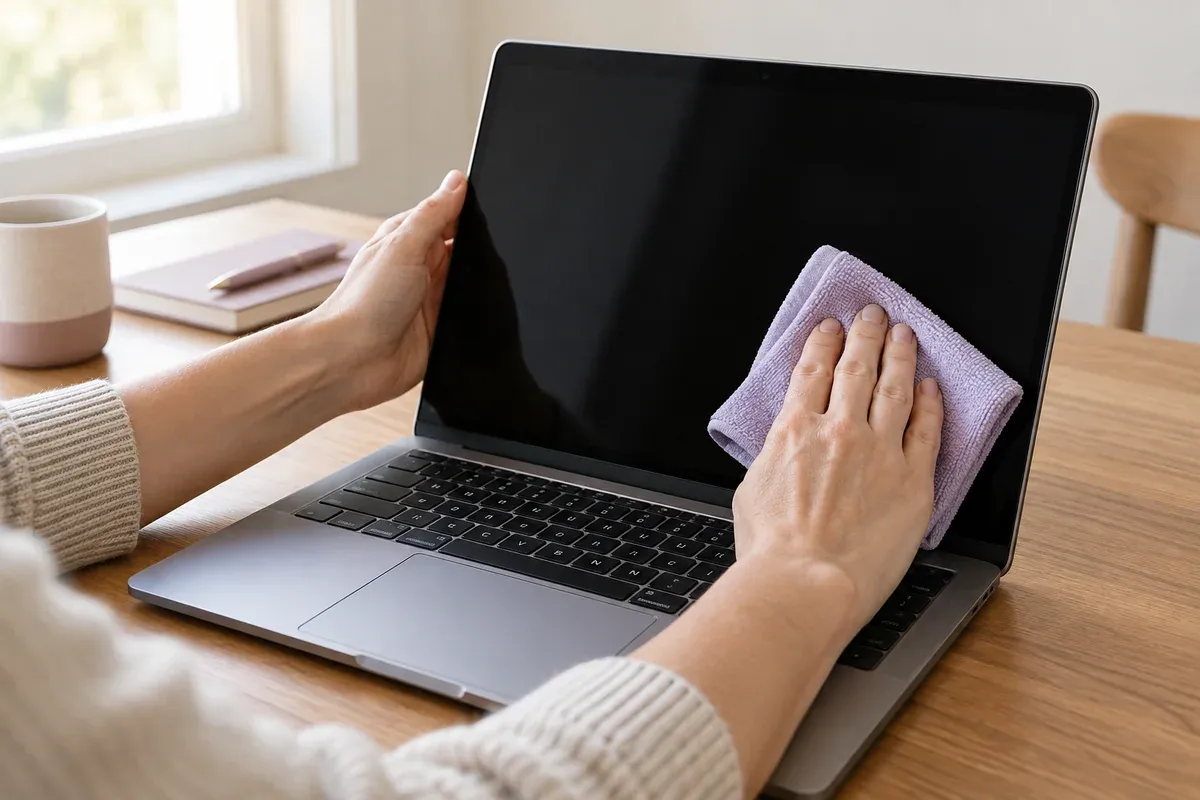
Screens, keyboards and vents each need a different approach. What is safe on a coated display, and the cleaner that will strip it.
Read the guideKeep work surfaces usable and give paperwork, supplies and devices a practical place.
More room for life.Does hand cream prevent paper cuts? Separate skin-care advice from claims, then organise paperwork with a small sorting station and a practical filing routine.
Read the guideMore room for life.Seven practical ways to organise reception, manage calls and visitors, protect focused work and hand over tasks. Includes a checklist for your daily routine.
Read the guideMore room for life.Simple routines for household paperwork, storage and daily resets, with historical references for visitors following The Coat Box links.
Read the guideMore room for life.Practical ways to use spare pegs for earbuds, paperwork, pantry packets and laundry, with a simple cable-storage example and sensible alternatives.
Read the guideMore room for life.Create a simple action tray, filing system and craft-supply layout without filling every surface with containers.
Read the guideKeep work surfaces usable and give paperwork, supplies and devices a practical place.
More room for life.Reduce avoidable home-office energy use, choose an efficient printer, manage standby power and improve lighting, heating and cooling routines.
Read the guideMore room for life.Cut unnecessary printing, organise digital records, reuse non-sensitive paper and recycle correctly with a practical home and small-office routine.
Read the guideKEEP READING