A desk collects dust, fingerprints, crumbs and paper faster than most surfaces at home. The clean is quick once the desk is clear, and keeping it clear is what keeps it quick.
Quick answer: Switch off and unplug anything you'll wipe, clear the desk, then dust it with a damp microfibre cloth. Wipe laminate, melamine and painted tops with warm water and a drop of dishwashing liquid, glass with water or window cleaner, and timber with a barely damp cloth along the grain; dry each straight away. Never spray onto electronics or a standing desk's controls. Put back only what you use daily.
How to clean a desk, step by step
You'll need three microfibre cloths (dusting, washing, drying), warm water with a few drops of dishwashing liquid, a vacuum with a brush head, and a box.
Step 1: Switch off and clear the desk
- Shut down the computer and unplug the monitor, lamp and chargers. Steelcase's care guide says to disconnect power before cleaning anything electrical, to avoid the risk of fire or shock.
- On a sit-stand desk, unplug the desk at the wall too, as LINAK (a maker of sit-stand desk motors and controls) instructs before cleaning.
- Lift everything into the box. Lift rather than slide: Laminex warns that dragging objects across laminate scratches it.
Step 2: Dust from the top down with a damp cloth
- Start at the highest point (shelf, monitor arm, lamp) and finish with the legs, so dust falls onto parts you haven't cleaned yet.
- Wring the cloth until it feels barely damp. Australia's Department of Health advises a damp cloth "to stop dust particles from spreading into the air". How to Get Rid of Dust — and Stop It Coming Straight Back covers the rest of the room.
- Vacuum crumbs out of the drawers and the gap behind the desk.
Step 3: Wash, rinse and dry the top
- Wring the washing cloth out in the soapy water until it's damp, not dripping, and wipe the whole top. On a greasy patch, Laminex's method is dab, wait, then wipe away. Timber gets plain water or a wood cleaner instead (see the table).
- Rinse the cloth in clean water and wipe again. The NHMRC's cleaning guidance explains why: rinsing removes loosened germs and detergent residue, and drying makes it harder for germs to survive.
- Dry the top, then do the tech and cables (below), vacuum under the desk, and put back only what you use daily.
Done looks like: a dry top with no streaks and nothing gritty under your palm.
If it looks streaky, detergent is left on it: wipe again with a cloth dampened in clean water, then dry. On dark laminate, Laminex suggests an all-purpose spray cleaner for streaks.
How to clean each type of desk surface
Most flat-pack desks are particleboard with a foil, melamine or painted face; IKEA's MICKE desk, for example, has an acrylic-painted top.
Desk surface | Everyday clean | Stubborn marks | Keep off it |
|---|---|---|---|
Laminate (such as Laminex) | Damp cloth, or warm soapy water; dry | Methylated spirits (flammable) on a cloth, then a damp wipe and dry | Scourers, abrasive creams, waxes and polishes (Laminex: they dull the shine) |
Melamine, foil or painted flat-pack | Cloth dampened in a mild cleaner, then wipe dry (IKEA) | Repeat gently; test anything stronger on the back edge | Scourers, soaking-wet cloths |
Lacquered or varnished timber and veneer | Slightly damp soft cloth along the grain, then a dry one (Steelcase) | A wood cleaner, diluted as its pack says, on a damp cloth | Oils, plastic-backed desk pads, spray wax more than twice a year (Steelcase: it builds up sticky) |
Oiled timber | Barely damp cloth, dried straight away | Re-oil when it looks dry (below) | Standing water |
Glass | Cloth dampened in water or window cleaner, then wipe dry (IKEA) | The same, with a fresh cloth | Knocks to the edges: IKEA warns a damaged edge "can cause the glass to break suddenly" |
Standing desk frame and legs | Dust, damp cloth, dry | A drop of dishwashing liquid on the cloth | Liquid near the control panel |
Not sure | Warm soapy water on a cloth wrung almost dry, tried on the back edge first, then dried | Stop there until you know the finish | Polish, oil, solvents, scourers |
Re-oiling an oiled top. IKEA says to treat its oiled solid-wood benchtops "when it starts to wear or become dry", and the same cue suits an oiled desk. Feast Watson's data sheet for its Scandinavian Oil says to soak used cloths in water, or spread them flat to dry in a cool, ventilated spot, "to avoid spontaneous combustion". Never leave them in a pile.
Standing desk controls. The control panel isn't sealed. LINAK's manual says to clean it with a soft damp cloth (ordinary detergent or a 70% isopropyl alcohol wipe is fine), use only cleaners in the pH 6 to 8 range, never spray onto it, and keep liquid out of its openings: a spill can damage the circuit board and, LINAK warns, set the desk moving unexpectedly.
Do you need to disinfect your desk?
Usually not. A 2012 study that swabbed 90 offices in New York, San Francisco and Tucson found bacteria on all five surfaces tested, with chairs and phones the most contaminated. Most came from people's skin, noses and mouths, and the researchers judged that most were likely harmless and "would only be a potential problem with severely immune compromised individuals".
Australia's Department of Health defines cleaning as physically removing germs, dirt and grime with detergent and warm water, and says to clean before any disinfectant, because grime reduces how well disinfectants work. If someone at home is sick, clean first, then disinfect the hard surfaces they touched and leave the product for its contact time: How to Sanitise and Disinfect Your Home explains how. On keyboards, mice and screens, use only what the device's maker allows.
Cleaning the tech on your desk
Apple's cleaning rules suit most desk tech: switch off and unplug, use a soft, lint-free cloth rather than paper towel, never spray cleaner onto the device, and keep moisture out of openings. Apple allows a 70% isopropyl alcohol wipe on hard, non-porous surfaces such as keyboards and displays, but not on fabric or leather.
Item | Quick default | Full guide |
|---|---|---|
Keyboard | Unplug, tip out the crumbs, wipe with a cloth lightly dampened with water | |
Monitor | Switch off; dry microfibre cloth, then one dampened with water only; no window cleaner (Apple) | |
Mouse, mouse pad, desk mat | Unplug or remove batteries; wipe the mouse with a barely damp cloth | |
Laptop | Shut down and unplug; water only on the screen cloth | |
Headphones and earbuds | Dry or barely damp cloth; dry brush on the mesh (Apple's micellar-water method for AirPods excepted); no liquid in ports | |
Whiteboard | Board eraser or soft cloth; dry-erase markers only (Steelcase) |
Cables, power boards and the dust under your desk
- Unplug a cable at both ends and wipe along it with a slightly damp, lint-free cloth, keeping the plugs dry. If you used soapy water, Apple says to let it dry overnight.
- Switch power boards off at the wall, dust them with a dry cloth, and lay them on their side. Fire and Rescue NSW lists dust in unused points among the power board problems that can lead to fires and recommends boards on their sides, plugs firmly in, ventilation, and boards with a built-in safety switch or circuit breaker.
- Lift cables off the floor with ties or an under-desk tray so you can vacuum underneath. WorkSafe Victoria's home-office checklist asks for cords stowed and no cables as trip hazards.
- On a sit-stand desk, raise it to full height before tying cables back. LINAK says to keep the space above and below free so nothing blocks the desk moving, and a cable that pulls tight at full height does.
Don't forget the chair
Chairs carried the most bacteria of the five surfaces in that 2012 study, and the seat and armrests pick up skin oil daily. Vacuum the seat weekly and wipe the armrests and base with a damp, soapy cloth. Fabric, mesh and leather each need something different: How to Clean an Office Chair covers cleaning codes, castors and stains.
How to organise your desk so it stays clean

Sort personal records with care and keep anything you need to retain. Leave enough cable travel for a standing desk and follow equipment instructions.
Read the illustration as text
- Use every day
- Keep the working essentials within easy reach.
- File or store
- Give papers and occasional tools their own nearby place.
- Clear underneath
- Arrange cables and belongings so the floor and leg space stay accessible.
A clear working area is easier to wipe next time.
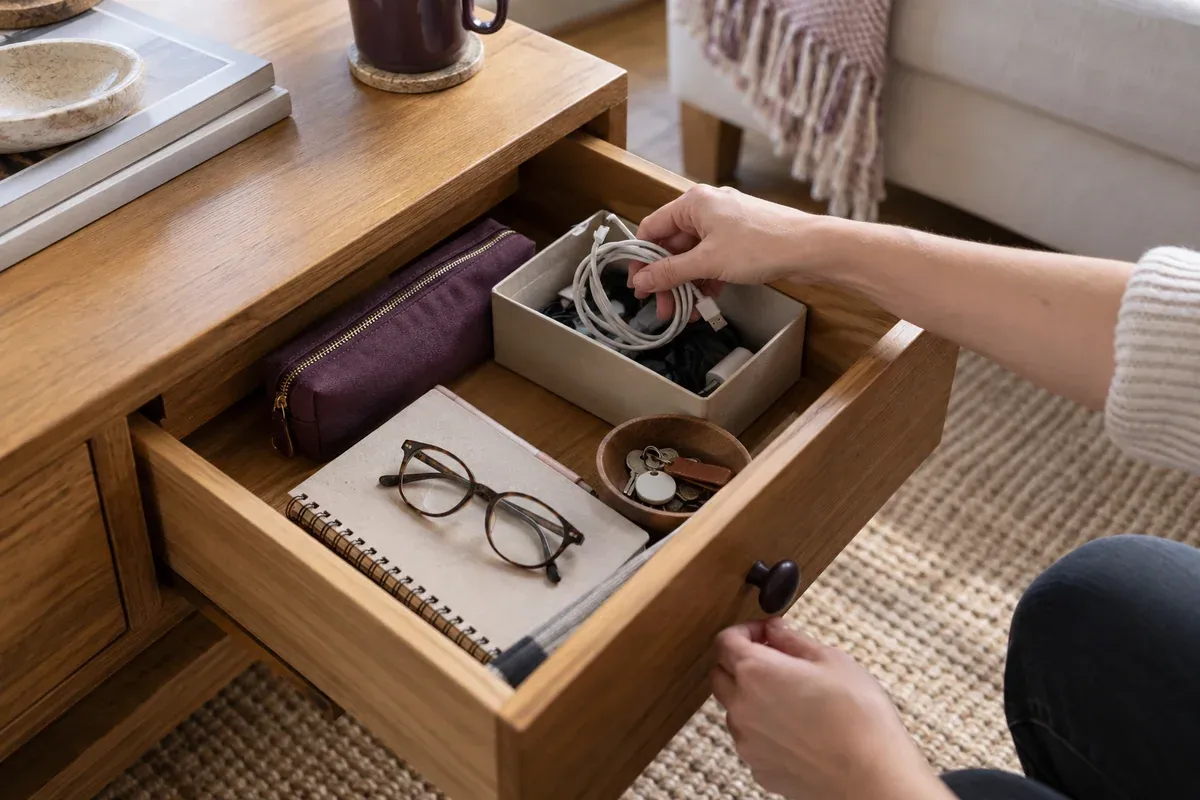
A clear desk is quicker to wipe, so organising is half the cleaning. Sort what came off into keep, store nearby, file, shred and bin. If "store" outgrows a drawer, How to Declutter Your Home, One Small Space at a Time has a method.
- Keep only daily-use items within reach. WorkSafe Victoria's checklist puts the most frequently used items within easy reach of your seat, and asks for leg room with no clutter underneath.
- Use organisers you can lift and wipe: a pen cup, a drawer divider, a monitor stand with room for the keyboard underneath.
- Give paper one home. One tray for incoming paper, cleared weekly: file, scan or shred.
- Keep tax records for 5 years. The ATO says to keep written evidence for 5 years from the date you lodge your tax return, accepts photos and electronic copies that are "a true and clear copy", and recommends backing them up.
- Shred personal letters. Moneysmart says letters from your bank, super fund and employer can include your personal details, and to shred them before throwing them out.
- Protect a timber top. Steelcase recommends coasters and a desk pad (not one with a plastic backing), felt or leather pads under equipment, moving accessories now and then so the wood ages evenly, and keeping the desk out of direct sun.
- Clear it when you finish for the day: mug to the kitchen, papers in the tray.
A daily, weekly and monthly desk routine
This is the rhythm we'd suggest for a desk used every day:
How often | What to do |
|---|---|
Daily | Take cups and food away, put papers in the tray, wipe up spills straight away |
Weekly | Clear, dust and wipe the top; wipe the keyboard, mouse and chair armrests; vacuum the chair seat and under the desk |
Monthly | Wipe cables and dust power boards; vacuum the drawers; check a sit-stand desk for loose screws and damaged cables (LINAK); pick fluff out of the chair's castors |
Every few months | Re-oil an oiled top if it looks dry; shred papers you no longer need |
Build Your Cleaning Routine fits the desk into a printable weekly plan for the whole house.
When it's not a DIY job
- A spill into a keyboard, laptop or desk control panel. Unplug it at the wall, don't switch it back on, and have the supplier or a repairer check it. LINAK warns that liquid in its panels can damage the circuit board.
- White rings, heat marks or deep scratches in timber. A furniture restorer can usually fix these; Steelcase calls wood "a 'forgiving' material which can usually be repaired".
Simply Maid's standard clean includes dusting all accessible surfaces, so a desk you've cleared gets dusted with the rest of the room; the checklist asks you to put loose items away where you can. We don't sort papers or organise, and we don't service electronics.
For a shared workplace, see our office-cleaning scope and discuss desk access and tasks before booking.
Frequently asked questions
Can I use Windex or glass cleaner on my desk?
On glass, yes: IKEA's care note for its glass tops allows window cleaner, and Laminex lists Windex spray cleaner for everyday marks on its laminate. On timber, stick to plain water or a wood cleaner, and keep glass cleaner off your monitor.
How do I stop my desk getting dusty so fast?
Dust weekly with a damp cloth, which holds dust instead of stirring it into the air, and keep the top clear so each wipe takes one pass. Stand power boards on their side so dust can't settle in unused sockets. Desk dust settles out of the room's air, so the room-wide fixes in the dust guide help too.
What is a clean desk policy?
A workplace rule that papers with personal information are put away whenever you leave your desk, so nobody else can read or take them. The Office of the Australian Information Commissioner lists it among the physical-security checks for organisations that handle personal information. At home, the end-of-day clear does the same job.
Last reviewed 6 October 2026 · Update history
Make the paperwork easier to manage
A clean surface is easier to maintain when documents have somewhere to go. Use our paperwork sorting guide to set up action, keep and disposal folders. For calls, visitors and shared work, the reception organisation checklist adds practical message and handover routines. Browse the home-office guides for the wider workspace.
Related Reading
- How to Keep Your Home Clean with a Busy Schedule
- A 10-Minute Nightly Cleaning Routine
- How to Remove Sticker Residue from Any Surface
Sources & References
- Steelcase, Surface Materials Reference Manual care pages and Cleaning your Steelcase products (PDF, dealer copy): disconnecting power, laminate and wood care, spray wax, desk pads, sun, repair, markerboards.
- LINAK, Desk Frame 2 (DF2) user manual (PDF): unplugging, panel cleaning, pH range, liquid in the panel, free space, loose screws.
- Laminex, Factsheet: care and maintenance (PDF): laminate cleaning, streaks, methylated spirits, waxes, dragging.
- IKEA Australia, MICKE desk: painted top; mild cleaner, wipe dry.
- IKEA Australia, GULLABERG glass top: water or window cleaner; tempered glass warning.
- IKEA Australia, Do I need to oil and sand my wooden benchtop?: when to re-oil.
- Feast Watson, Scandinavian Oil data sheet (PDF, 2022): oily cloths.
- Apple, How to clean your Apple products: power off, lint-free cloth, no spraying, alcohol wipes, displays, cables.
- Fire and Rescue NSW, Electrical power boards: dust in unused points, boards on their side.
- Department of Health and Aged Care, Cleaning and disinfection in the community (PDF, 27 October 2022): cleaning defined, damp dusting, clean before disinfecting.
- NHMRC, Staying healthy: a healthy environment: rinsing and drying.
- Hewitt and others, Office space bacterial abundance and diversity in three metropolitan areas (PLoS ONE, 2012): office surfaces, chairs and phones.
- WorkSafe Victoria, Working from home safety and wellbeing checklist (PDF, 2024): reach, leg room, cords.
- Australian Taxation Office, Records you need to keep: 5 years, electronic copies.
- Moneysmart, Identity theft: shredding letters.
- Office of the Australian Information Commissioner, Guide to securing personal information: clean desk policy.