Start with a working-day check
Walk through your workspace at the beginning and end of a typical day. Note which devices are operating, which are waiting and which genuinely need to remain available. Include a spare monitor, speakers, printer, chargers and room heating or cooling. The aim is a workspace that does its job without running unnecessary equipment.
For a shared office, agree on responsibility before changing settings. A labelled switch is useful only when everyone understands what it controls. Keep a short record of the changes so a colleague can undo one that interferes with a task.
Standby power: decide what can switch off
Enable sensible sleep settings on computers and displays, save your work and use the device's normal shutdown sequence. Follow the manufacturer's instructions for printers and other equipment before switching off at the wall. Some devices need a shutdown cycle or periodic maintenance.
Separate equipment into three groups: needed continuously, needed during work, and occasional use. Refrigeration, medical devices, security systems and equipment supporting essential communications belong in the first group when continuous power is required. An unused second monitor may belong in the second; a scanner used once a week may belong in the third.
Check a device's settings and manual rather than assuming every glowing light means the same power use. A suitable plug-in energy meter can help with compatible plug-in devices, but do not overload a meter or power board or use it for hardwired equipment. Our appliance energy guide explains how to interpret measurements. Energy.gov.au's appliance guidance explains standby consumption and efficient product choices.
Choose efficient equipment, especially printers
Before replacing a printer, write down what you actually print: occasional forms, photographs, labels or large batches of text. Record monthly page volume, colour requirements and whether scanning is necessary. Compare machines that meet the same need; a fast office machine can be an unnecessarily large purchase for occasional home use.
Ask for the model's operating, ready and sleep power figures, automatic sleep settings, duplex capability, consumable costs and support life. Check how quickly it returns from sleep and whether the default settings can be changed. If comparing a typical electricity consumption figure, confirm the test method and workload are comparable. Do not treat a household appliance star label as a universal printer rating.
The government's home-based business guide discusses office equipment and ENERGY STAR identification. Verify the exact model's current specification instead of relying on an old badge or retailer category. Retaining a serviceable machine may be reasonable when your print volume is low; compare the whole cost before replacing it solely to reduce standby use. Preview documents and use duplex printing where suitable. See our paper-waste guide for a printing routine.
Arrange lighting around the task
Place the desk to use daylight without creating glare on the screen. Try a blind adjustment or a different screen angle before turning on more lights. A task lamp can illuminate paperwork without lighting an unused room.
When a lamp needs replacing, compare light output in lumens, the fitting, colour temperature and any dimmer compatibility. Choose an efficient suitable lamp and switch lights off when the workspace is empty. In a shared workplace, check that changes maintain safe visibility on walkways and meet the organisation's requirements; a home-desk suggestion is not a commercial lighting design. Your Home's lighting guidance explains daylight, efficient lamps and controls.
Heat or cool the space you use
Use shading, suitable clothing and room zoning where practical before running the system harder. Keep air paths clear, close off unused rooms only where compatible with the system, and choose a comfortable thermostat setting for the occupants. Avoid heating and cooling competing in adjacent spaces. Set schedules around actual working hours and review them when your routine changes.
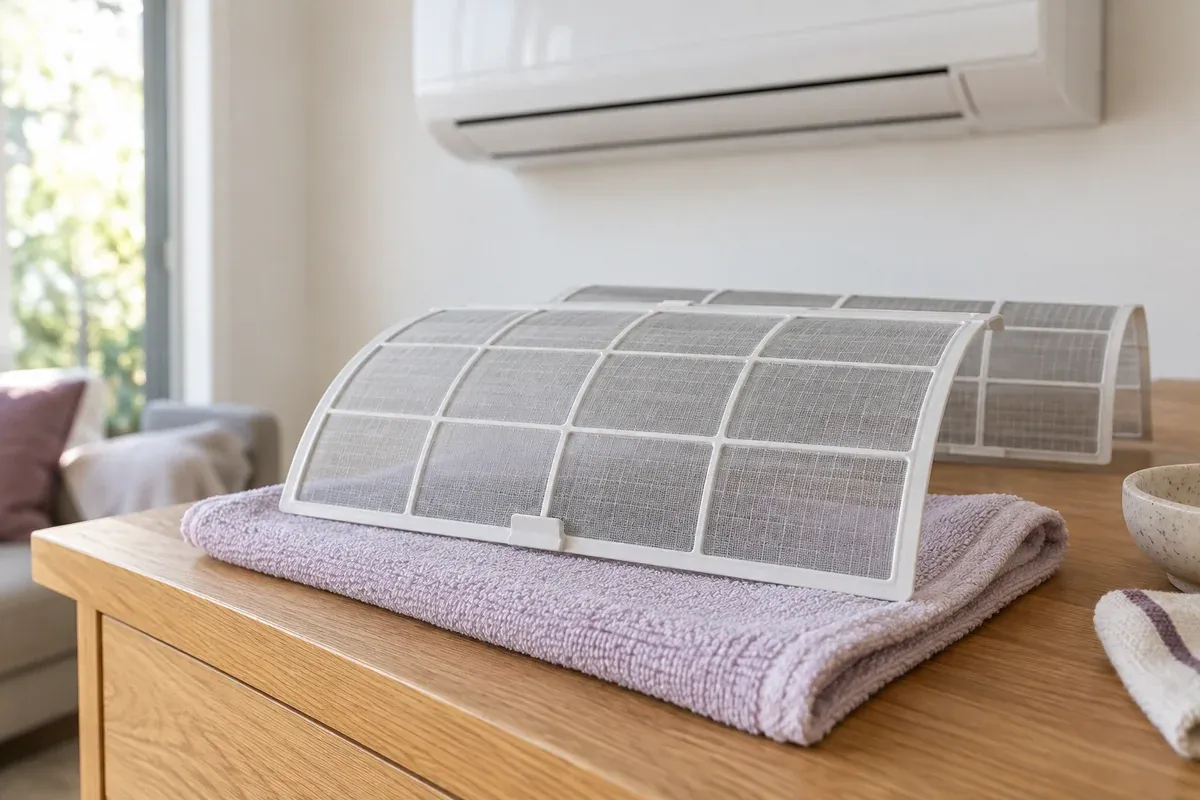
Energy.gov.au's heating and cooling guidance covers operation, installation and maintenance. Follow the manufacturer's instructions for accessible filters and arrange qualified servicing for faults. Our split-system cleaning guide covers routine cleaning; it does not replace technical servicing. A room's insulation, shading and air leakage also affect comfort.
Keep a five-minute weekly review
Check that sleep settings still suit your work, the printer is not producing avoidable copies and the room schedule matches attendance. For a small workplace, include paper and consumables in the same review and ask whether a trip can be combined or a meeting held remotely when appropriate. Use the sustainable-home action plan to record one change at a time. Measure a comparable week before deciding how much energy or money you have saved.
About this guide
Prepared with AI assistance using the sources linked in this guide. Sources checked on 14 October 2026. This is original Simply Maid guidance, not a republication of the former My Green Life website.